
Best AI Tools for Students in 2026: Study, Research, and Math
“Best AI for writing,” “math,” and essay help are among Google’s leading AI searches. Here is a practical, responsible student workflow.
Quick answer: The best AI tool for a student depends on the task: use a general assistant for explanations, a research tool for finding sources, and a calculator for checking your own work. Google’s AI search-trends page lists “best AI for writing,” “best AI for math,” and “best AI for writing essays” among popular searches. Search interest is a signal, not a ranking or volume guarantee. The useful question is not which tool writes the most—it is which workflow helps you understand, verify, and submit your own work.
Which AI tool should a student use?
| Task | Starting point | Responsible use |
|---|---|---|
| Explain a difficult concept | ChatGPT or Claude | Ask for steps, examples, and a quiz; verify the explanation |
| Find and compare sources | Perplexity | Open the cited sources and read the original evidence |
| Check calculations | Normal Calculator or Scientific Calculator | Keep the formula and working, not only the final number |
| Check grades | GPA Calculator or CGPA Calculator | Confirm your institution’s grading scale first |
Use AI as a tutor, not a replacement for learning
A strong study prompt asks the tool to explain one idea at a time, show a worked example, and then give you a similar problem without the answer. This creates a feedback loop: you attempt the problem, compare your reasoning, and correct the gap. Asking for a complete essay or solution immediately may be faster, but it gives you less evidence that you can reproduce the skill in an exam.
Try this structure: “Explain [concept] at my level, list the two mistakes beginners make, show one example, then give me three practice questions and wait for my answers.” Ask follow-up questions when the explanation is unclear. Keep a separate note of what you learned and what still needs a textbook or teacher.
Research with sources you can inspect
Perplexity can be useful for discovering starting points and source links, while ChatGPT or Claude can help you compare arguments or outline a reading. Neither replaces the original source. Check the author, publication date, evidence, and whether the source actually supports the claim. AI systems can misquote papers, merge separate facts, or provide a citation that does not say what the answer claims.
For an assignment, build a small evidence table with four columns: claim, source, exact supporting passage, and your interpretation. This takes longer than copying a generated paragraph, but it makes revision and citation much easier. Use the Citation Generator only after checking the source details; generated citation formatting is not proof that the source is correct.
AI writing help without losing your voice
AI can help brainstorm questions, organize an outline, identify repetition, or suggest clearer wording in a draft you wrote. Start with your notes and thesis. After using a tool, compare every sentence with your evidence and rewrite the parts that do not sound like you. Do not submit generated claims, quotations, or references that you have not verified.
Your school or university may have its own rules about AI assistance. Follow those rules, disclose use when required, and keep drafts or notes that show your process. For a broader list of student-friendly workflows, visit Free Tools for Students.
Use calculators to verify, not hide, the method
For numerical subjects, write the formula and identify the units before asking for help. Then check the result with a dedicated tool. The Percentage Calculator can check percentage changes, while the GPA Calculator and CGPA Calculator can help organize grades. Grading systems differ, so confirm your institution’s scale rather than assuming every school uses the same conversion.
For health or finance assignments, calculators are educational aids, not professional advice. A result is only as useful as the inputs and formula behind it. Explain your assumptions in the final work.
A practical 30-minute AI study session
- Spend five minutes writing what you already know and the exact question.
- Ask an assistant for a plain-language explanation and one example.
- Close the answer and solve a new problem yourself.
- Use a calculator or source to check the result.
- Write three flashcard questions from the mistake you made.
- Save the source links and note which parts need teacher confirmation.
What students should never paste into an AI tool
Do not share passwords, private school records, other students’ personal information, unpublished research, or confidential work. Check the provider’s current privacy settings before uploading documents. When a course, employer, or research project has stricter rules, those rules take priority.
FAQ: AI tools for students
What is the best AI tool for students?
It depends on the task. Use an assistant for explanations, a research tool for source discovery, and a calculator to check your own work.
Can students use AI for essays?
Follow your school or university policy. AI can help brainstorm, outline, and improve a draft, but verify every claim and do not submit unreviewed generated work.
Can AI solve math problems accurately?
AI can explain a method, but it can also make mistakes. Work through the formula yourself and verify the result with a calculator or trusted source.
Conclusion
The best AI tools for students are the ones that make the learning process clearer: explain the concept, point to sources, help you practice, and let you verify the work. Use ChatGPT, Claude, and Perplexity for different parts of that workflow, then use dedicated calculators to check the numbers. The final understanding and submission should remain yours.
Continue reading
Related guides
GPA Calculator: How to Calculate CGPA in Pakistan Universities (2026)
Calculate GPA & CGPA on 4.0 scale for LUMS, UET, Karachi University — semester & cumulative.
Read article →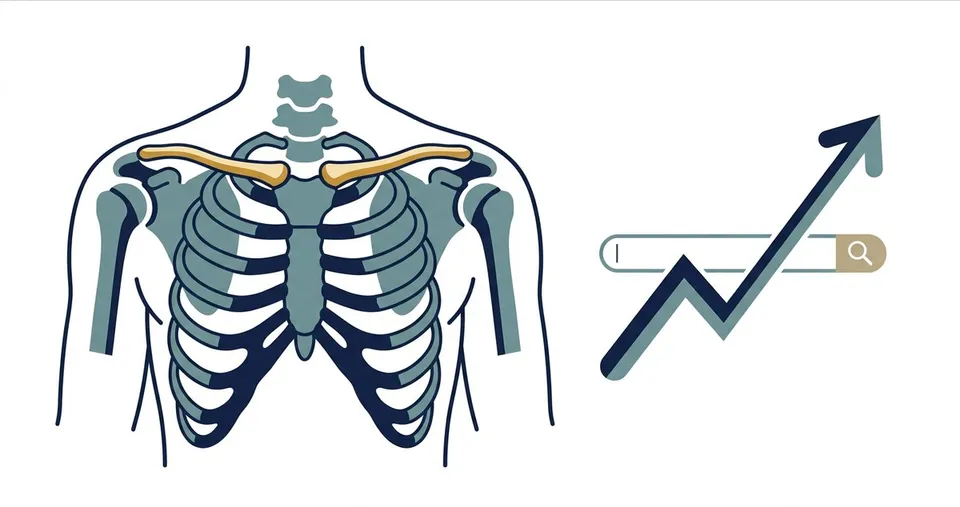
What Does Clavicular Mean? Anatomy, Definition, and Why It's Trending
Learn what clavicular means, where the clavicle is, how it supports the shoulder, and why Google searches spiked around Braden Peters in September 2026.
Read article →
How to Choose the Right AI Tool for Your Task
A practical checklist to match your task to the right AI tool — no hype, just results.
Read article →