Topaz Video AI Review 2026: Features, Pricing, Best Uses & Limitations
Topaz Video AI review for 2026: features, access and pricing snapshot, best use cases, official source, strengths, and limitations to check before you commit.
Topaz Video AI is production-focused video enhancement software for upscaling, stabilization, deinterlacing, frame interpolation, and restoration. This ToolshubUSA review explains what to test, who it fits, how the current access model works, and where human review still matters.
What is Topaz Video AI best for?
Topaz Video AI is for editors, filmmakers, archivists, and creators who need to improve existing footage rather than generate a new clip. Test a short sample first because processing time and artifacts vary by source.
Features worth testing
- Upscale video toward 4K and beyond — test this capability with a real sample task before relying on it.
- Stabilization and deinterlacing — test this capability with a real sample task before relying on it.
- Frame interpolation and slow motion — test this capability with a real sample task before relying on it.
- Multiple AI models for different footage — test this capability with a real sample task before relying on it.
Topaz Video AI pricing snapshot
Desktop and web plans vary; desktop Video AI is around $299 in the referenced snapshot. The directory labels this tool Paid; pricing, credits, trials, and plan permissions are not guarantees. Check the official Topaz Video AI website for the latest details, then compare it with the AI tools roundup.
Strengths and limitations
Why people try it
- Strong restoration and enhancement controls
- Good for archival and production footage
- Uses local workstation hardware in desktop workflows
What to watch
- High upfront cost
- Processing can be hardware intensive
- Results depend on source quality and model choice
Practical use cases
- Restore old footage
- Stabilize handheld video
- Prepare clips for larger displays
- Create smoother slow motion
How to evaluate it in a real workflow
- Import a representative clip
- Choose a model for the footage problem
- Preview a short section and adjust settings
- Render, inspect artifacts, and export the final video
- Compare output quality, speed, editing time, cost, permissions, and privacy against your current workflow.
- Keep it only when the time saved is measurable and a person can review the important output.
Frequently asked questions
What is Topaz Video AI?
Topaz Video AI is enhancement software that uses AI models to upscale, stabilize, deinterlace, and interpolate video.
Is Topaz Video AI free?
It is primarily a paid product; current web plans, desktop licenses, trials, and promotions should be checked on Topaz Labs’ official site.
Open the Topaz Video AI directory profile for structured features, pricing, official source, and alternatives. You can also compare Veo 3 Flow — Google Smart Upscaler or browse the full AI Tools Directory.
Editorial note: AI output is a draft until a person checks facts, rights, privacy, safety, and brand fit. Do not use any tool as a substitute for professional medical, legal, financial, or safety advice.
Continue reading
Related guides
How to Choose the Right AI Tool for Your Task
A practical checklist to match your task to the right AI tool — no hype, just results.
Read article →
Useful AI Tools for Developers: Cursor, Copilot and More
How developers use AI to write, review and ship code faster.
Read article →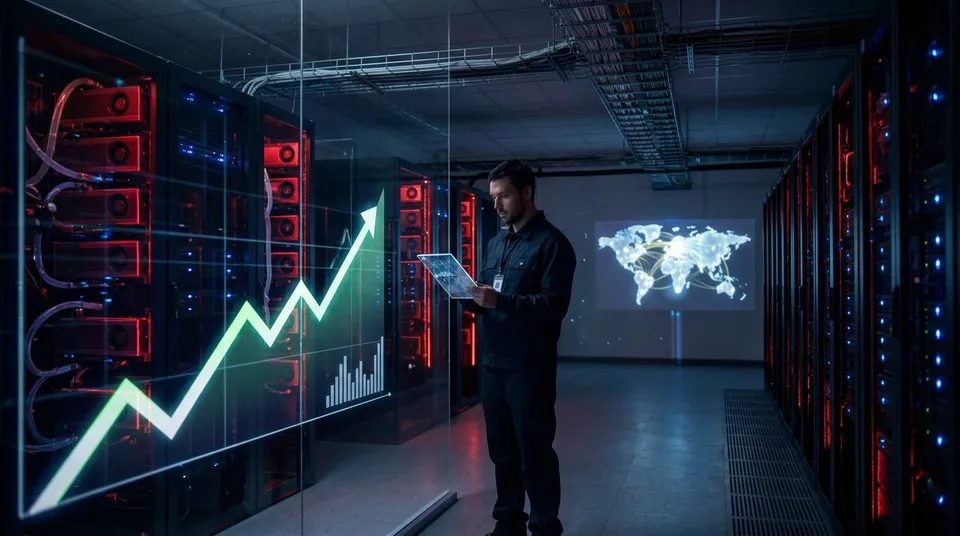
AMD Stock Hits $1 Trillion: What the September 21, 2026 Rally Says About AI Demand and Valuation
AMD stock jumped about 9% on September 21 and briefly crossed a reported $1 trillion market-capitalization threshold. This neutral, source-dated guide separates the intraday quote from AMD's latest results, customer announcements, comparison data and the risks behind the rally.
Read article →